FIELD NOTES / AI FILMMAKING
I turned a weekend into a
Phantasy Star music video.
Space wizards. Expiring credits. A production workflow that became almost as interesting as the film.
THE TOOLS & SUBSCRIPTIONS, UP FRONT
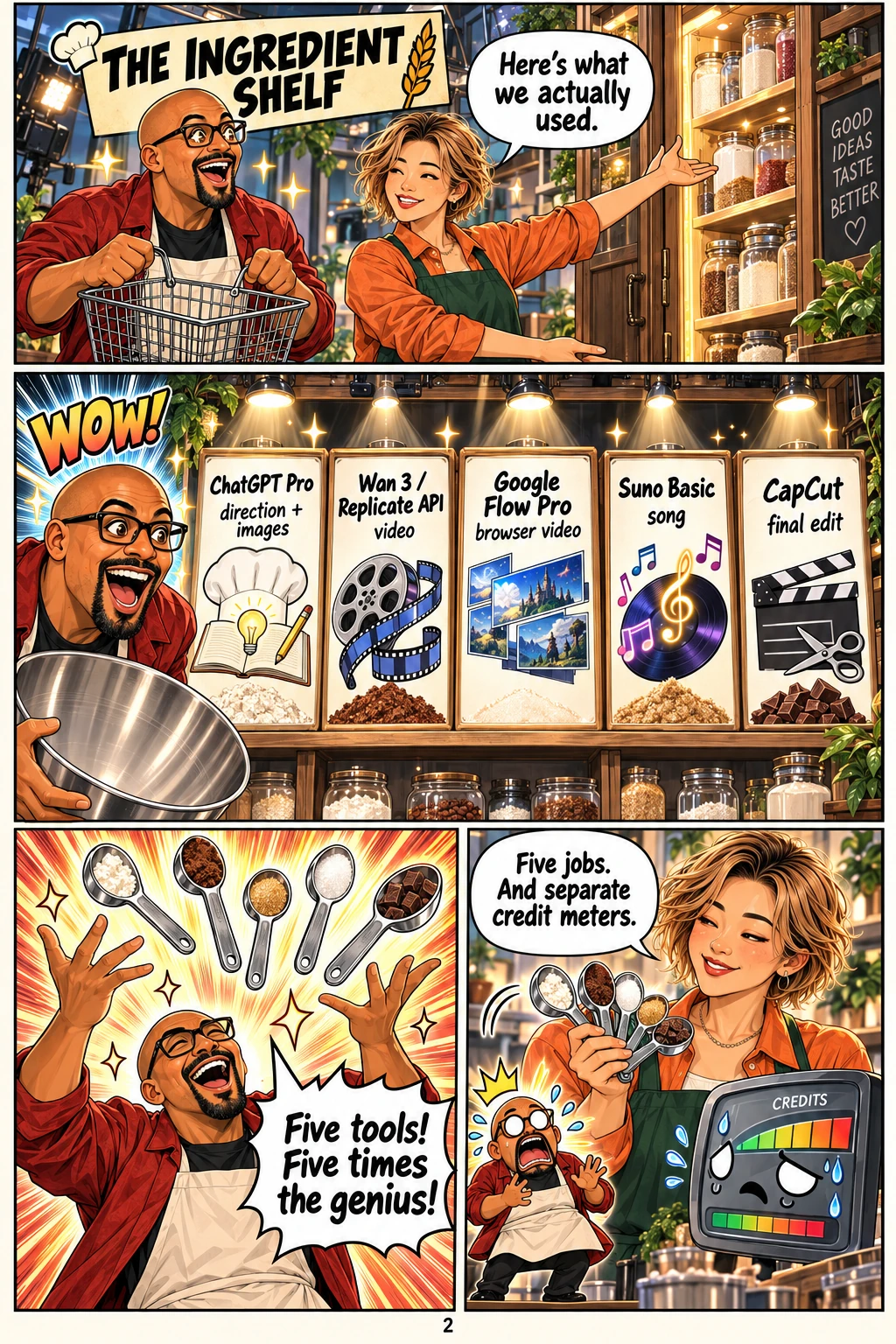
What I actually used
These are the tools and plans I used for this project. The software handled different parts of the job.
- 01
ChatGPT Pro
Creative development, lyrics, reference images and storyboards. Codex, with Astra, helped orchestrate the work, write scripts and build the review tools.
- 02
Replicate API · Wan 3
Programmatic video generation from prompts and storyboard images. API credits were separate from my ChatGPT subscription.
- 03
Google Flow Pro
A browser-based route for generating video with visual references, using the Flow access I already had.
- 04
Suno Basic
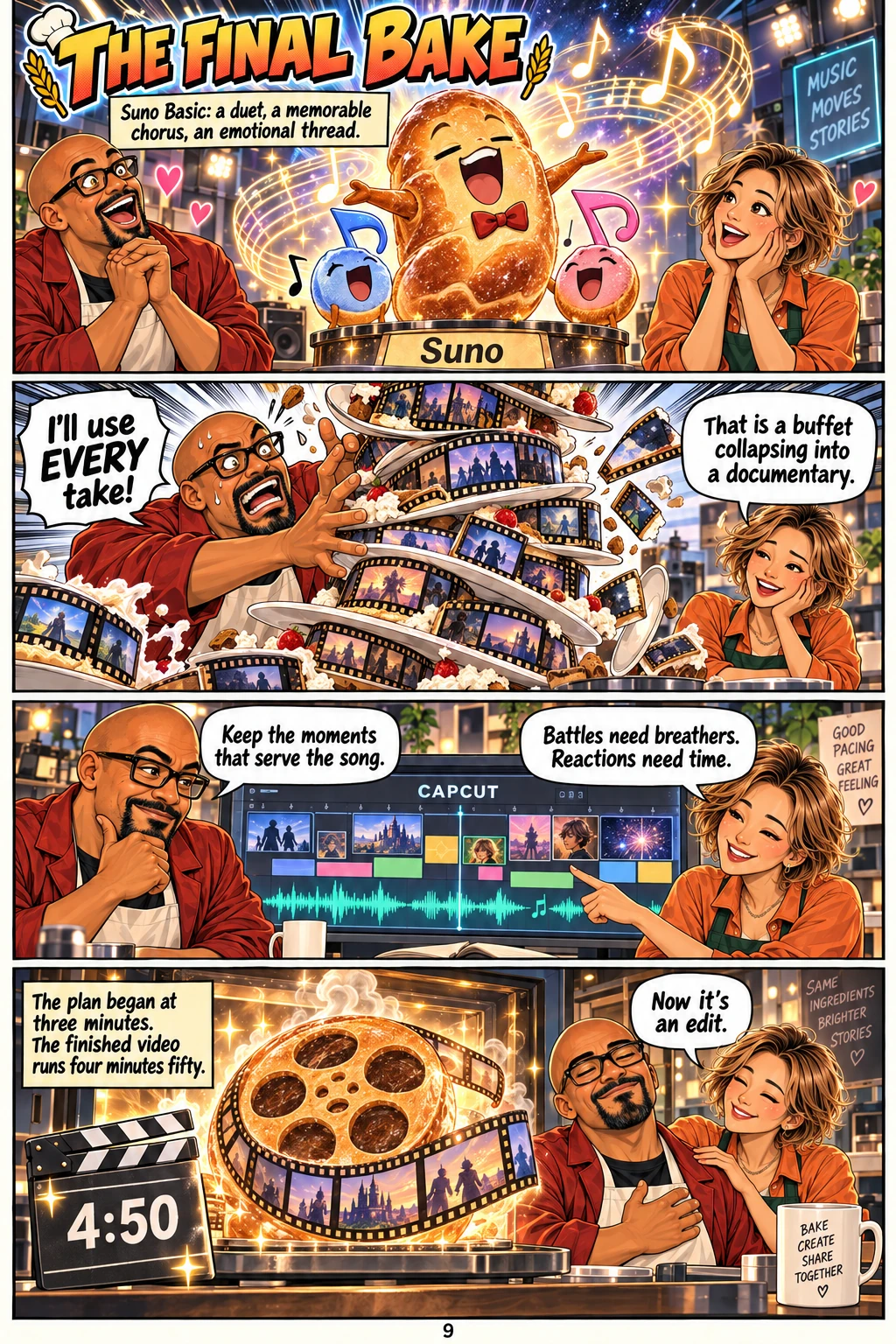
The song. I worked on a memorable duet, alternating voices and a chorus that could carry the emotion of the edit.
- 05
CapCut
The final timeline edit and export: choosing footage, arranging it against the song and turning separate generations into the finished video.
The supporting stack: Windows, Python, the Replicate Python client and HTTP requests, JSON manifests, Markdown prompts, HTML/CSS/JavaScript review galleries, and FFmpeg/ffprobe for preparing and checking clips. YouTube hosts the finished film.
This is my project stack, not a shopping list you need to buy in full. Plan names describe what I used; current prices and quotas can change. Suno plans · Google Flow · Wan on Replicate
Phantasy Star IV, imagined as a live-action movie
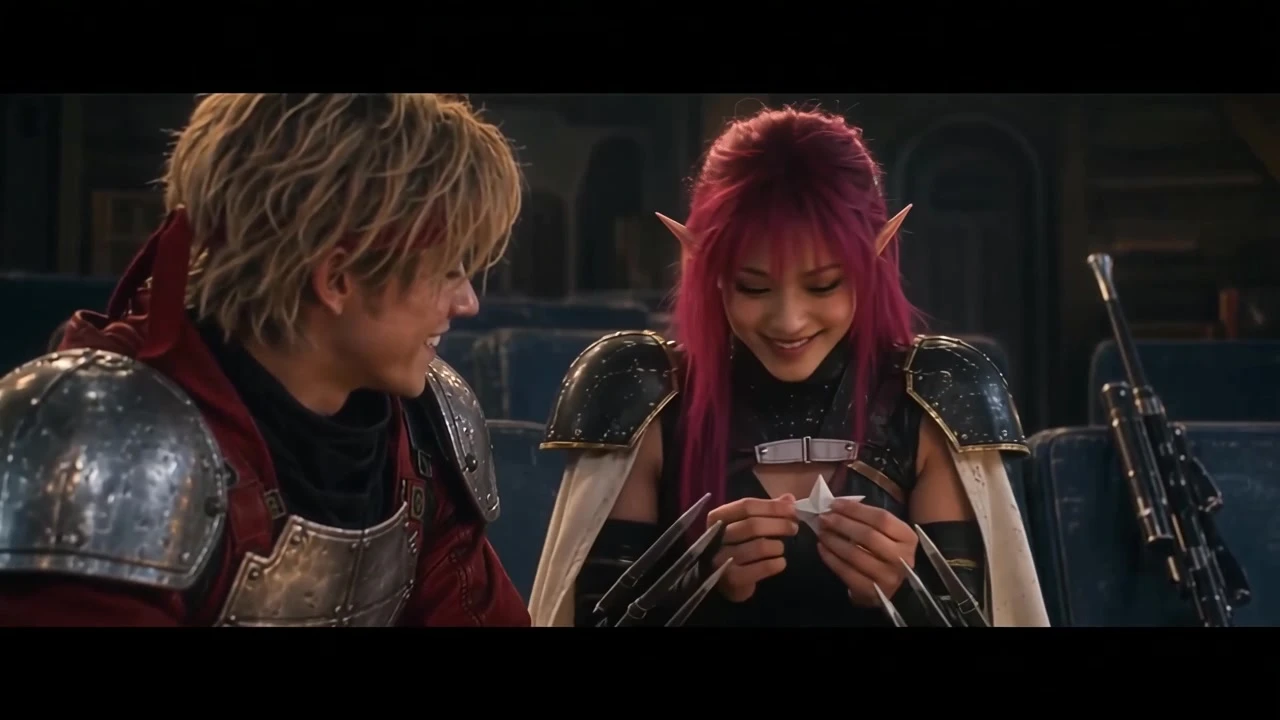 ▶ Watch the film 4:50 · YouTube ↗
Watch the finished video on YouTube ↗ · A personal fan tribute inspired by SEGA’s Phantasy Star IV.
Financial responsibility, but with space wizards.
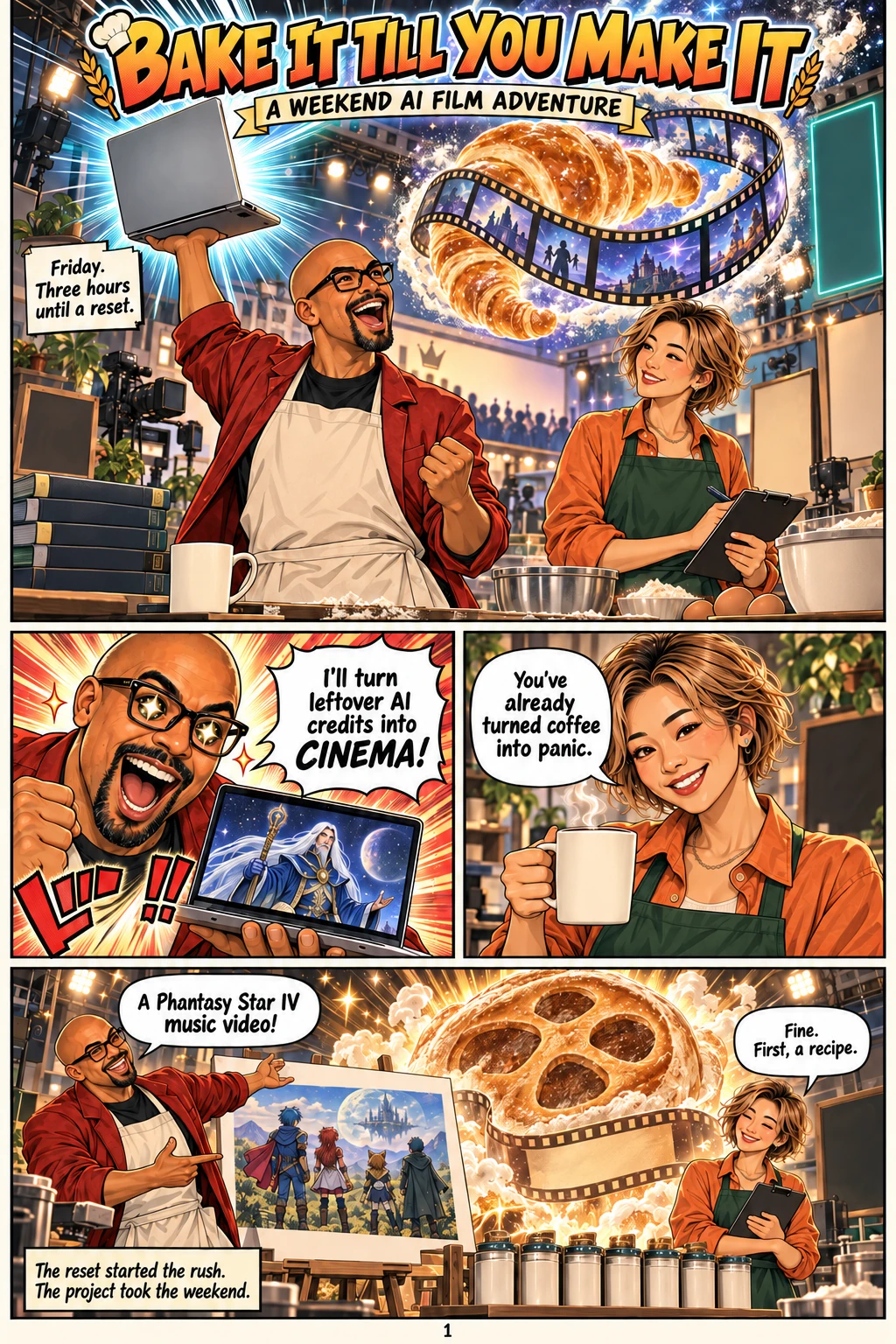
Friday night. Three hours until my reset. I had a ChatGPT Pro subscription and video credits across services I was already paying for. Apparently, my response to unused capacity was to attempt a Phantasy Star IV music video.
The idea grew into a weekend of writing, generating, checking and editing. I wanted the feeling of a game I cared about: friendship before the disaster, the pain of losing someone, technology that can protect or destroy, and the possibility of carrying hope into a different world.
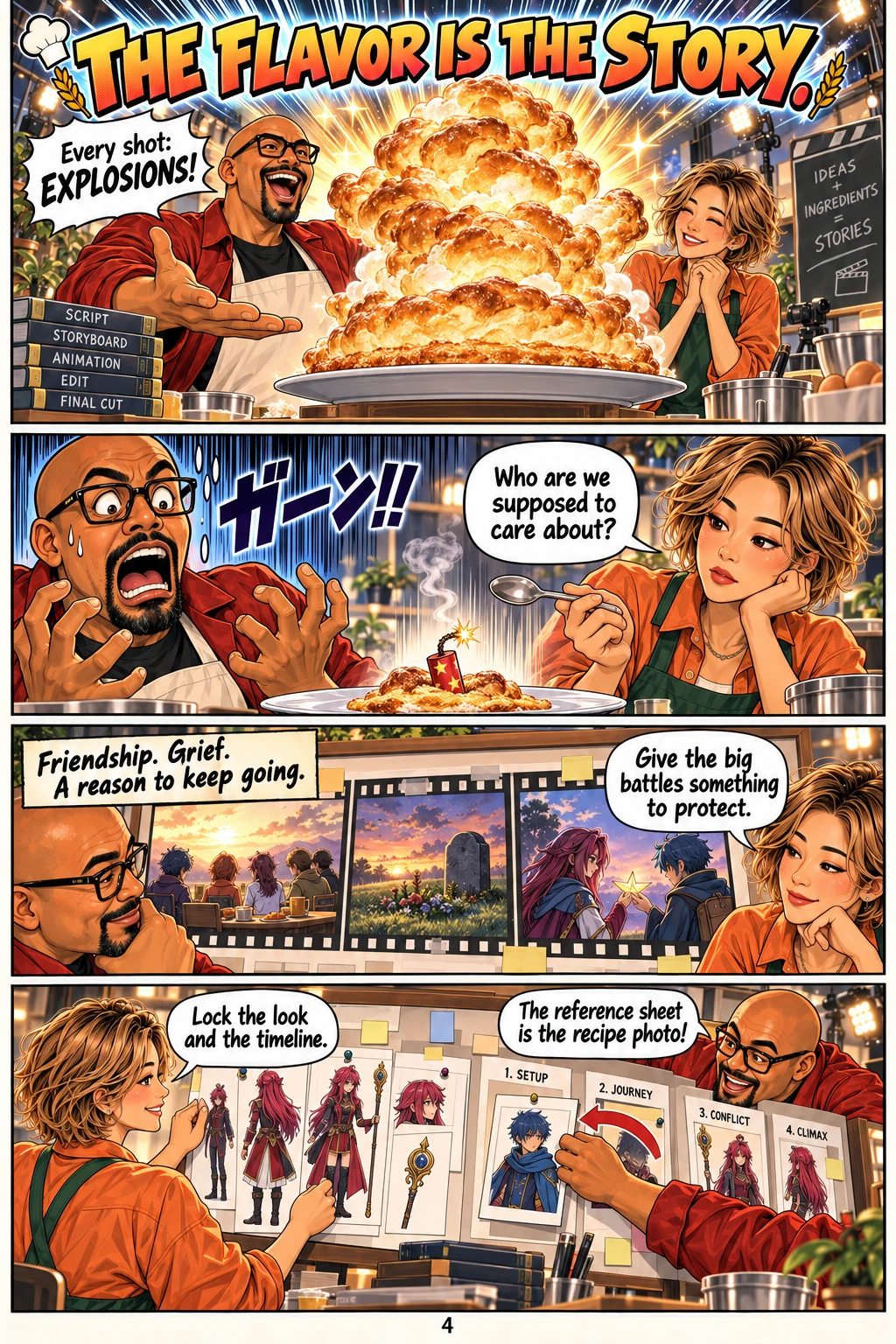
That gave the spectacle a purpose. A giant monster is a set piece. A quiet moment between characters gives you a reason to care when the monster arrives. The Chaz-and-Rika paper-star moment in the finished video is one example of that quieter thread.
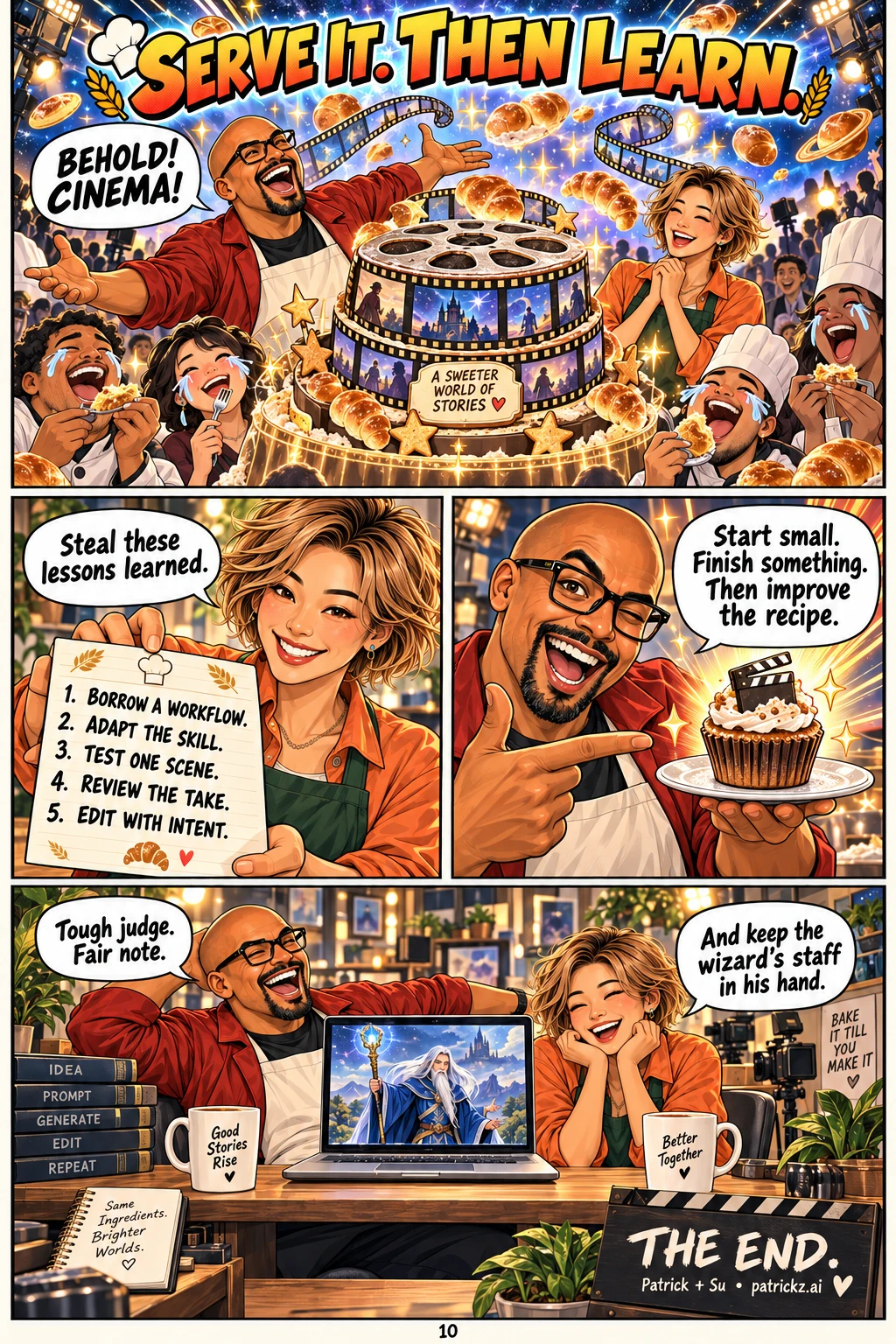
Steal these lessons learned. The useful part of this experiment is a workflow you can repeat on something much smaller.
First, give the world some rules.
I started with story direction and character references. The early concept was illustrated; the visual direction moved toward a live-action science-fantasy film with weathered metal, tangible costumes, amber desert light and cold industrial spaces. The cast needed to remain recognizable as the camera and location changed.
That meant making corrections concrete: Rika’s long magenta hair, Chaz’s red forehead band, Alys’s red clothing, Rune’s full-height staff. “Make them look right” is difficult to check. A reference sheet and a short list of identifying details give the next generation something specific to follow.
Story continuity needed the same treatment. Alys belongs to the early journey; Wren joins later. Alys appearing in a later memory is a different instruction from quietly inserting her into the living party. Beautiful frames can still tell the wrong story.
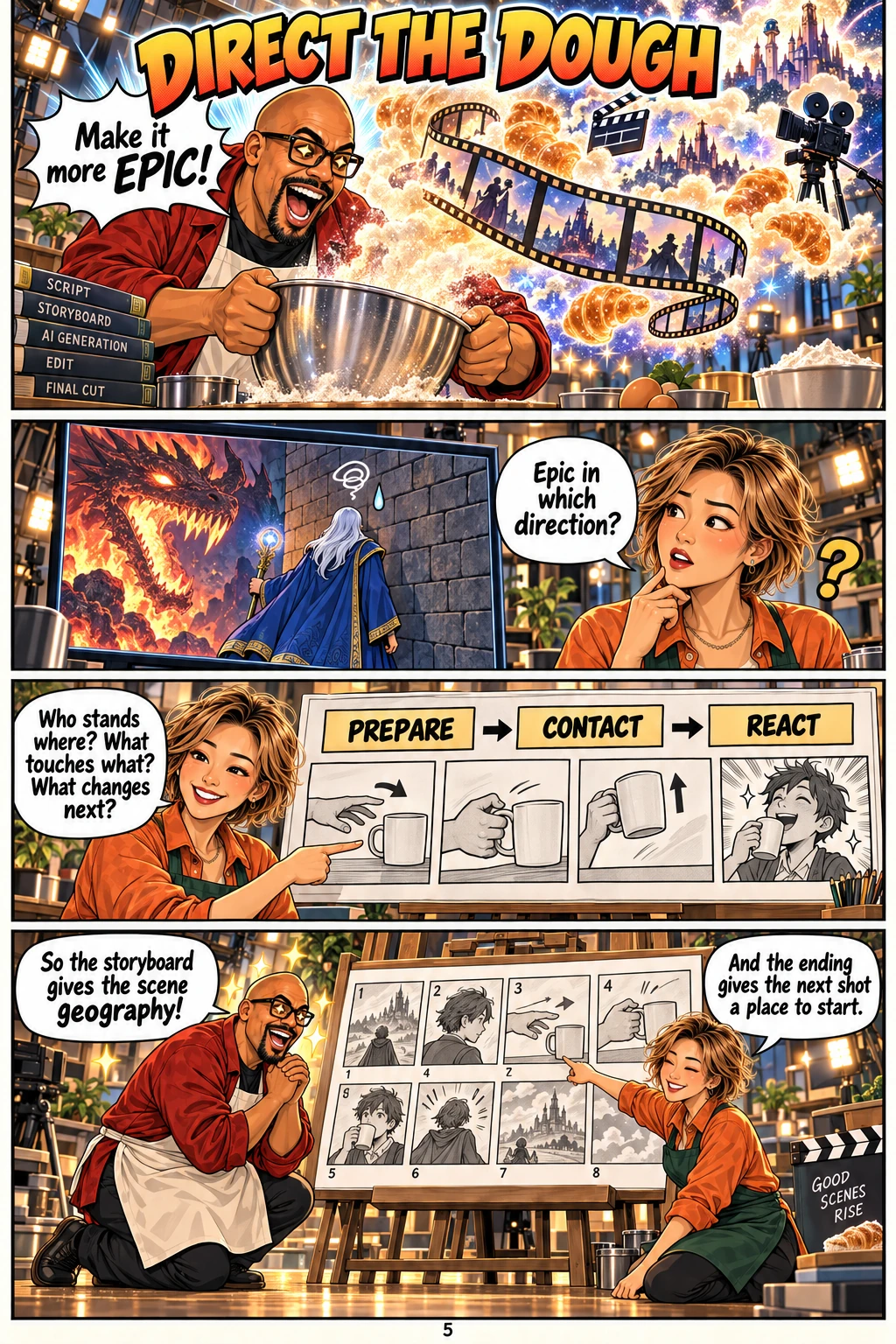
From there, I built scenes as shot sequences: an establishing view, the action, an insert, a reaction, and an ending that the next scene could use. Eight-panel boards made the intended relationships visible before spending video credits.
I used AI to build the production tools, too.
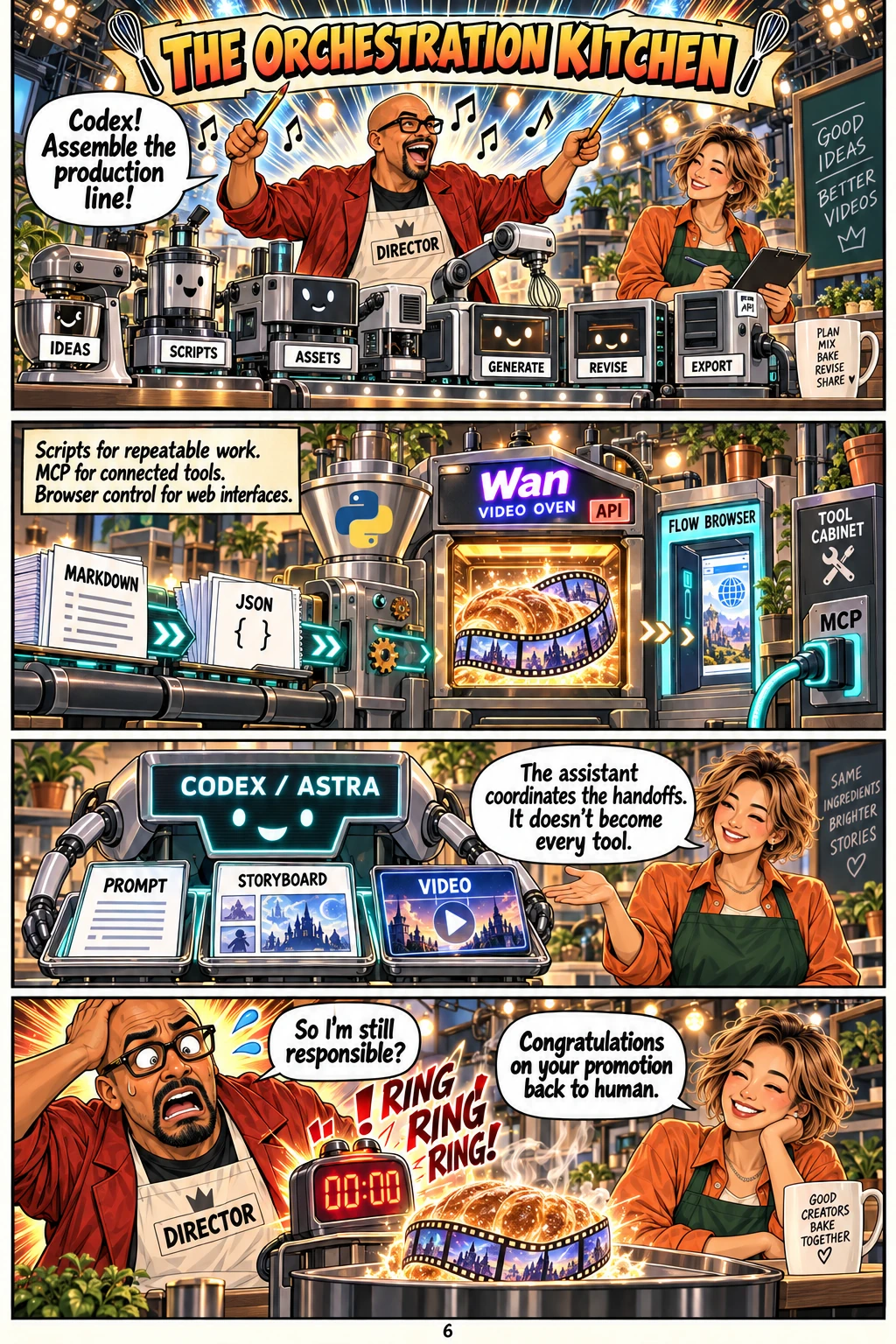
ChatGPT and Codex helped turn the project into files and repeatable steps. Markdown held the direction and prompts. JSON manifests linked each scene to its cast, storyboard, settings and output. Python handled the repetitive API work. A small web gallery put the material somewhere I could actually review it.
This is what I mean by AI orchestration: the assistant helped coordinate the work between tools. It could develop a prompt, write the submission script, collect the result, prepare a review copy and update the gallery. I still supplied the direction, corrected the characters, judged the takes and made the final edit in CapCut.
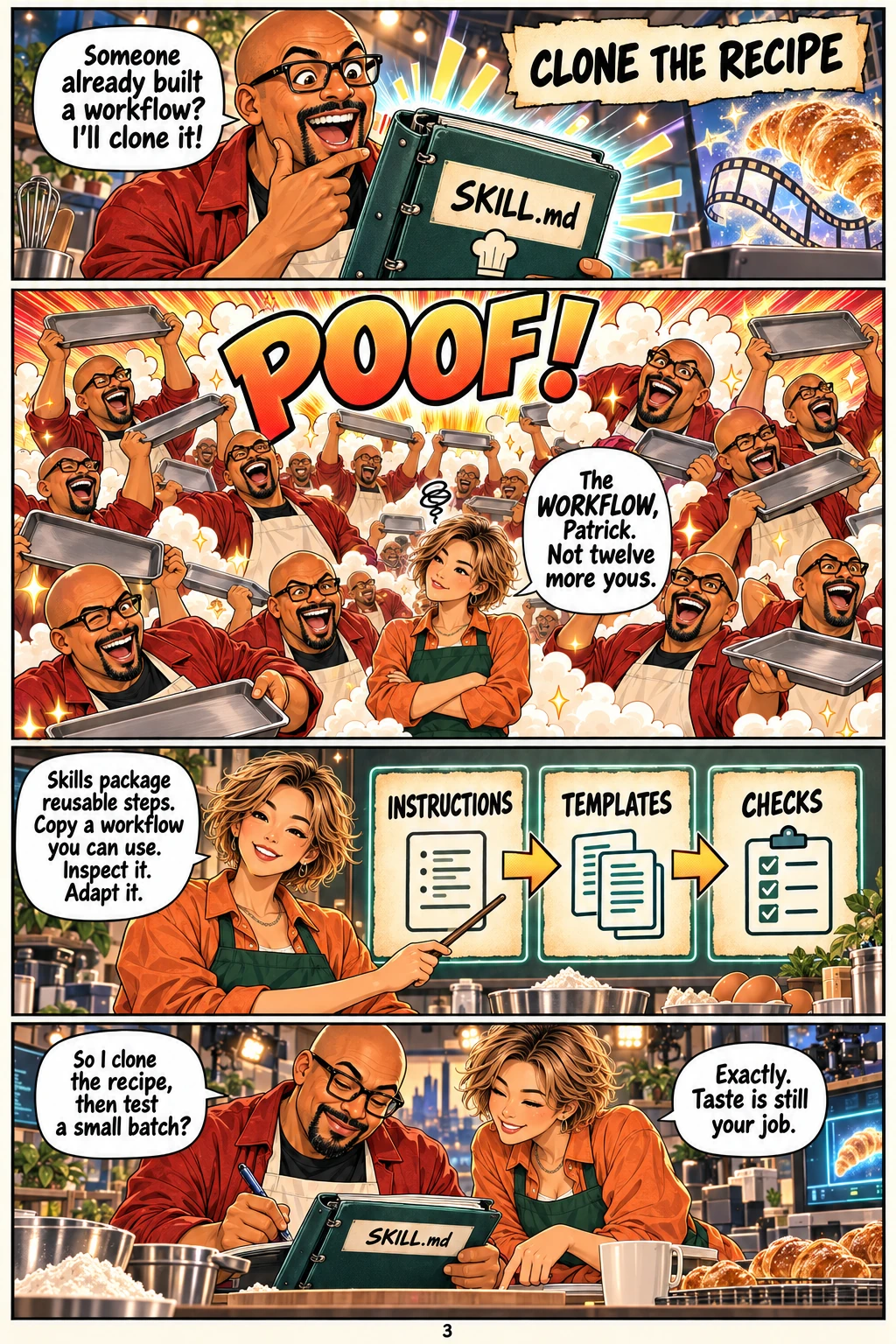
Reusable skills supplied task instructions. MCP connections supplied access to supported services. Python and the API handled batchable work. Browser control helped with services operated through a web interface. These were different ways of getting work done; none made the creative decisions disappear.
You can clone a workflow by starting with a skill’s instructions, templates and checks, then adapting them to your own project. Inspect the steps and tool access first, keep the parts you need, and test one scene before scaling up. You’re reusing a process; the direction and judgment are still yours. That’s the recipe behind Patrick’s multiplying-chef disaster in the comic.
THE WORKFLOW
One scene, carried through the stack.
- DirectStory beats + continuity
ChatGPT / Markdown - ShowCharacter sheets + boards
Image generation - GeneratePrompt + references
Wan API / Flow - ReviewOriginal + notes + trim
Gallery / FFmpeg - EditSelected shots + song
CapCut / Suno - ReleaseFinished music video
YouTube
Human direction and review run through every stage. A successful generation is a candidate take.
The API route: record what happened.
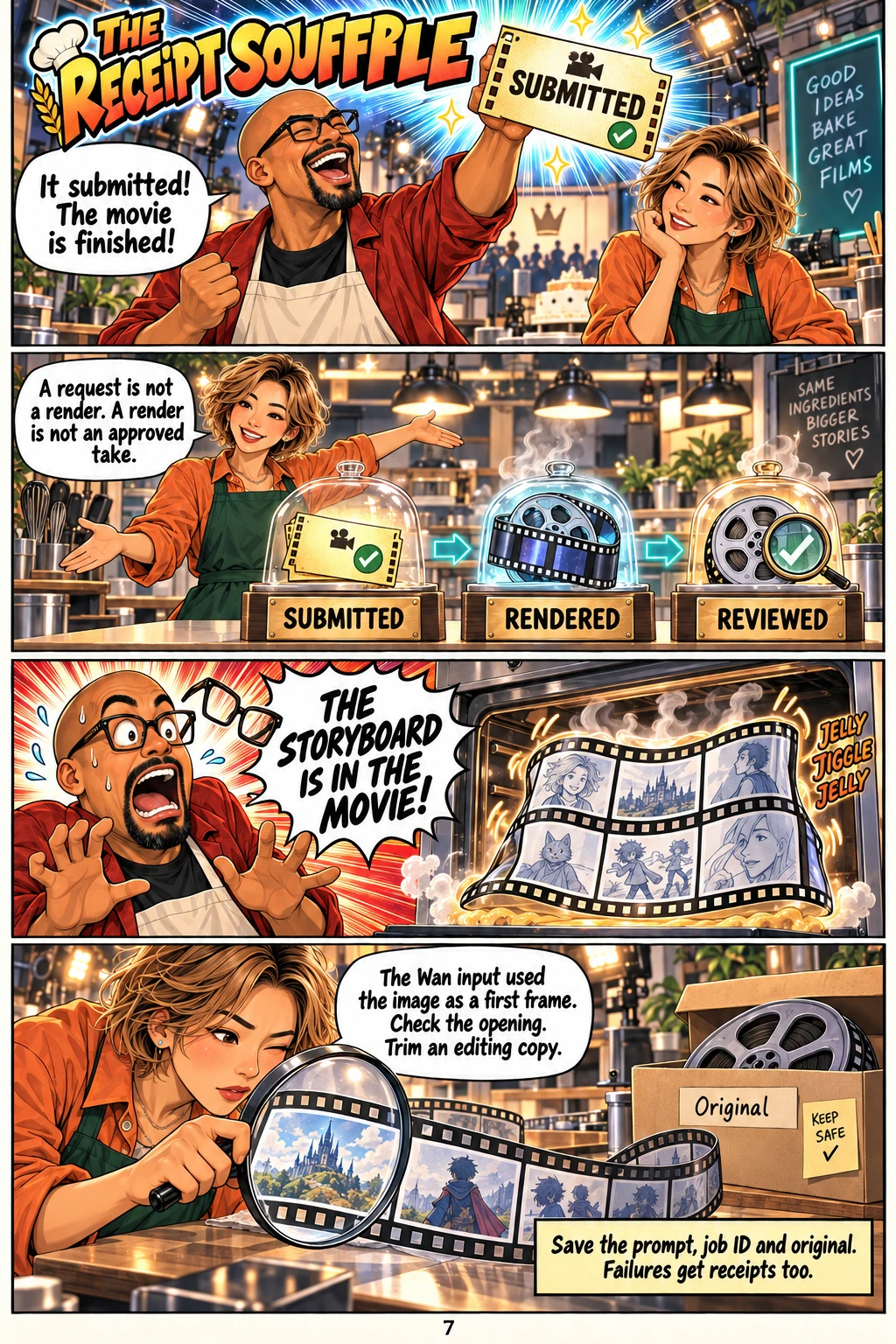
The Wan scripts checked the provider’s input schema, uploaded the selected board, saved the exact request, submitted the job, recorded its prediction ID, polled for completion and downloaded the result. They also kept a hash of the source image so the output could be traced back to the board that was actually sent.
That bookkeeping mattered when a job failed or work resumed later. A prompt file is not a submitted job. A submitted job is not a successful render. A successful render is not an approved take. The gallery made those states visible.
The browser route: use the service you already have.
Flow gave me another video-generation workspace. The scene packages paired images with prompts and identified which references belonged to which characters. Browser assistance could help with the interface when a direct integration did not cover the task.
Reference mode matters. Google’s Flow documentation distinguishes generating from frames and from ingredients. In the Wan wrapper used by this project, the image was a first-frame input. Giving it a storyboard sometimes produced a moving storyboard before it reached the actual scene.
The fix included checking the opening, choosing a trim point and preserving the native original. The repeated “cut away from the board immediately” instruction did not reliably solve it by itself.
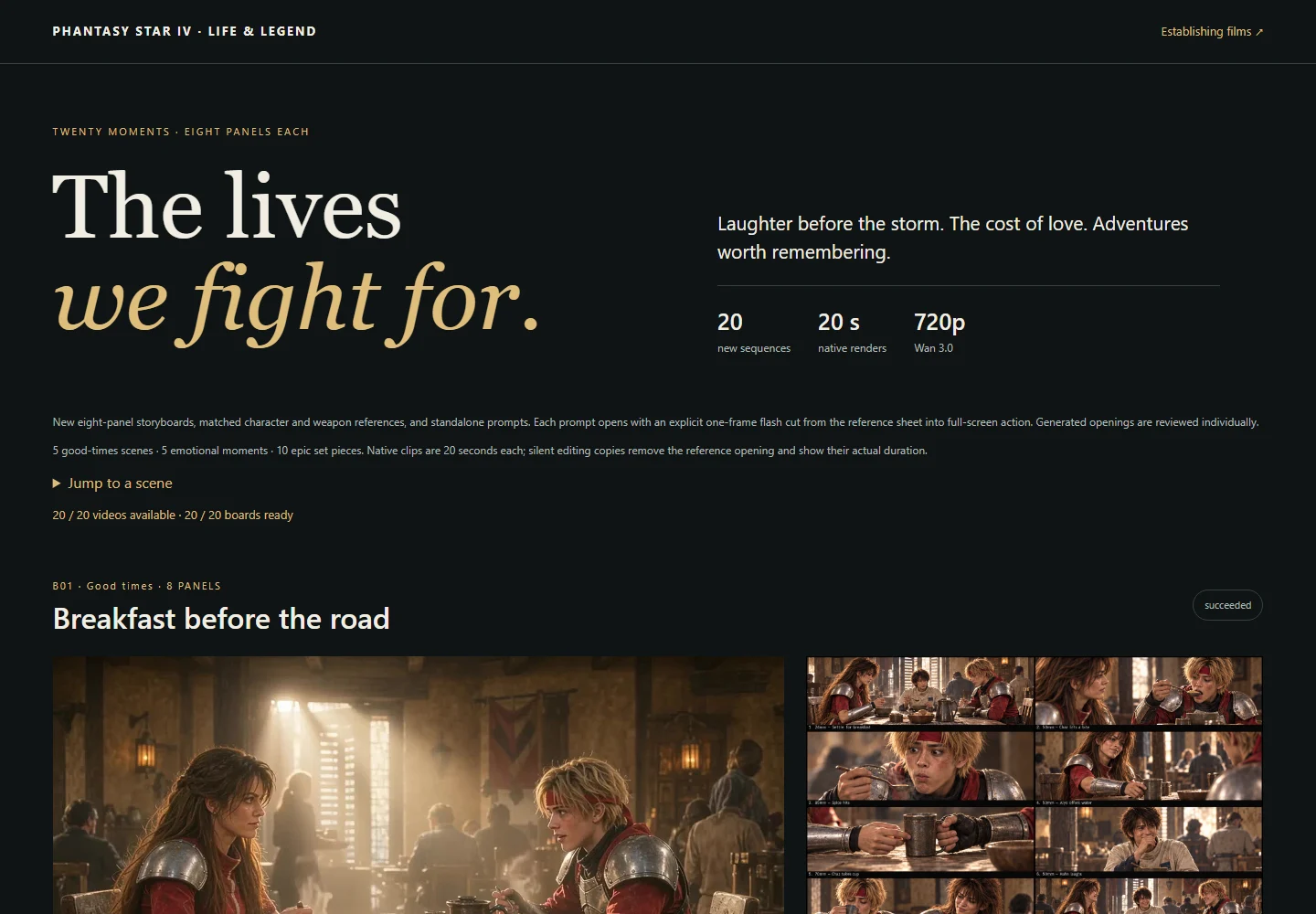
FROM THE PRODUCTION ARCHIVE
Three boards. Three generated takes.
These are real storyboard-and-video pairs from the project. The clips below are silent editing copies at their original playback speed, with the opening storyboard removed. They are source takes, not excerpts cut from the YouTube soundtrack.
A window full of stars
A small paper gift, a reaction and a shared view. The scene gives the relationship room to exist between the larger set pieces.
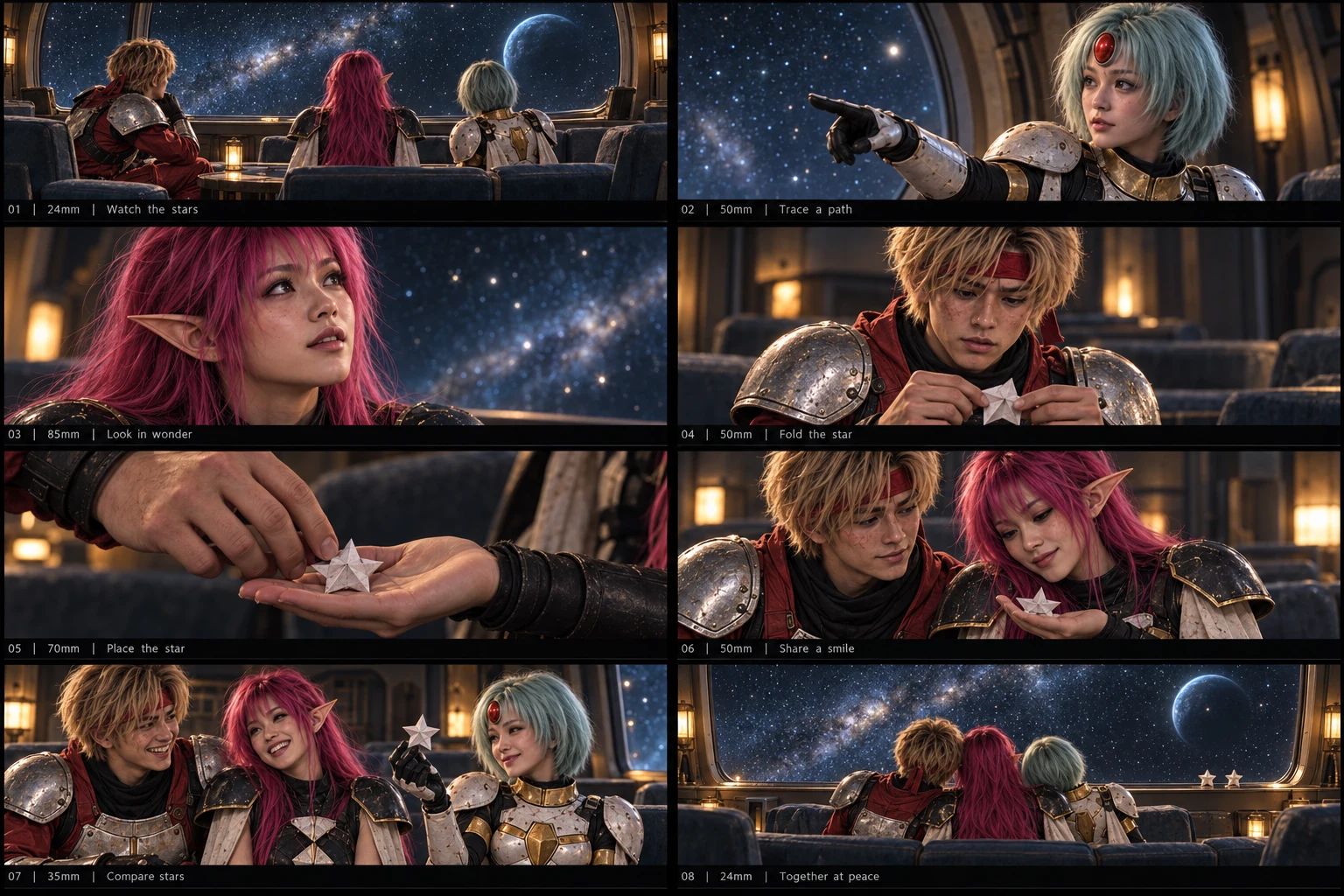
Wan 3 · 720p · 18.5 seconds · silent
Watch for: the paper-star exchange and the shift from looking out of the window to looking at each other. The generated props and hand details vary between shots.
Read the actual generation prompt ↗Rune stands beside the grave
The direction gets surprisingly physical: which knee is on the ground, where the staff stands, which hand touches a shoulder, and how Chaz gets back up.
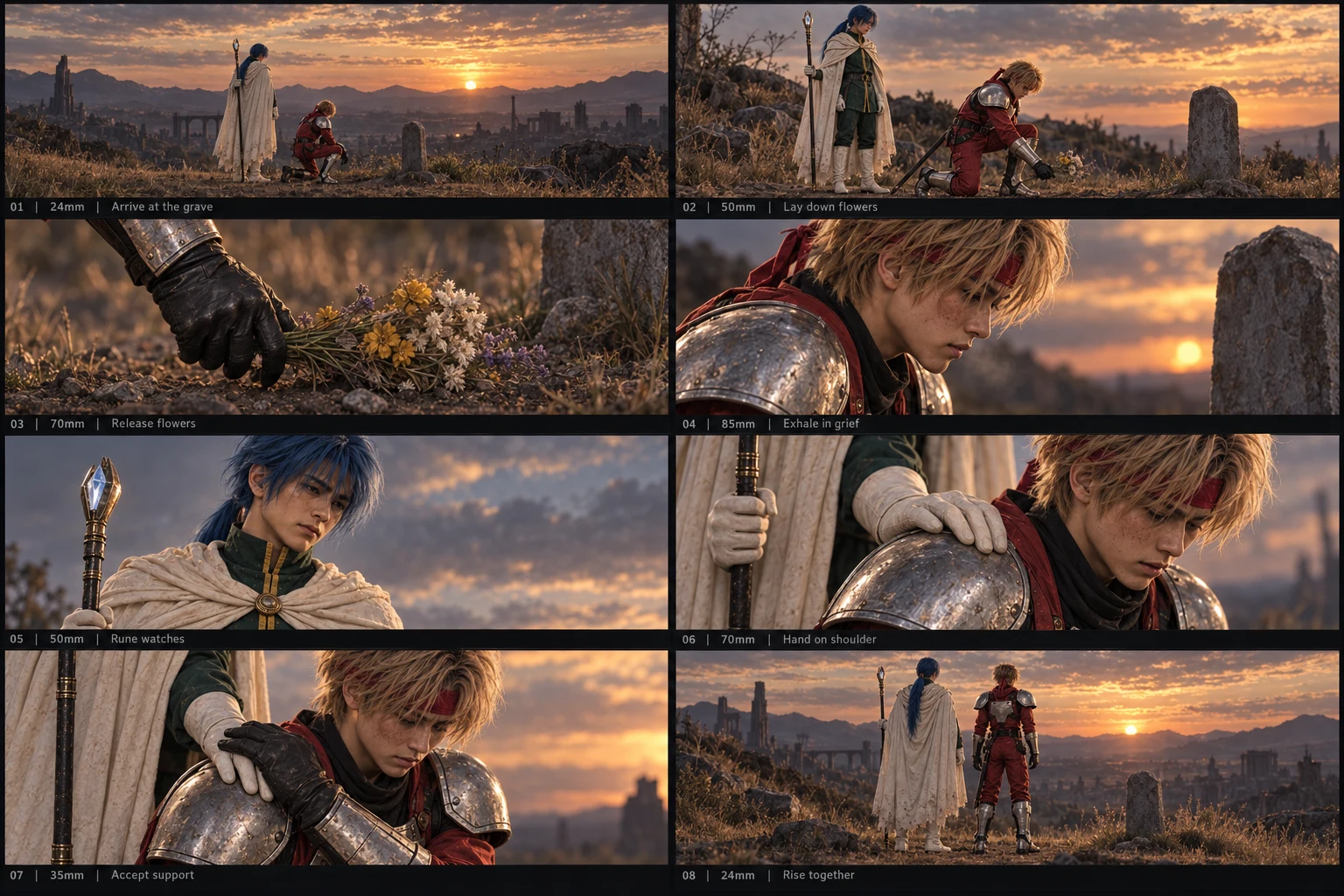
Wan 3 · 720p · 17.5 seconds · silent
Watch for: flowers placed at the marker, Rune’s support and the two figures rising together. The original held the reference sheet for 2.5 seconds; this copy removes that opening.
Read the actual generation prompt ↗Turn her own light against her
Wren engages the flying threats, Kyra redirects a beam, and Rika moves toward the exposed node. Each action gives the next character a reason to move.
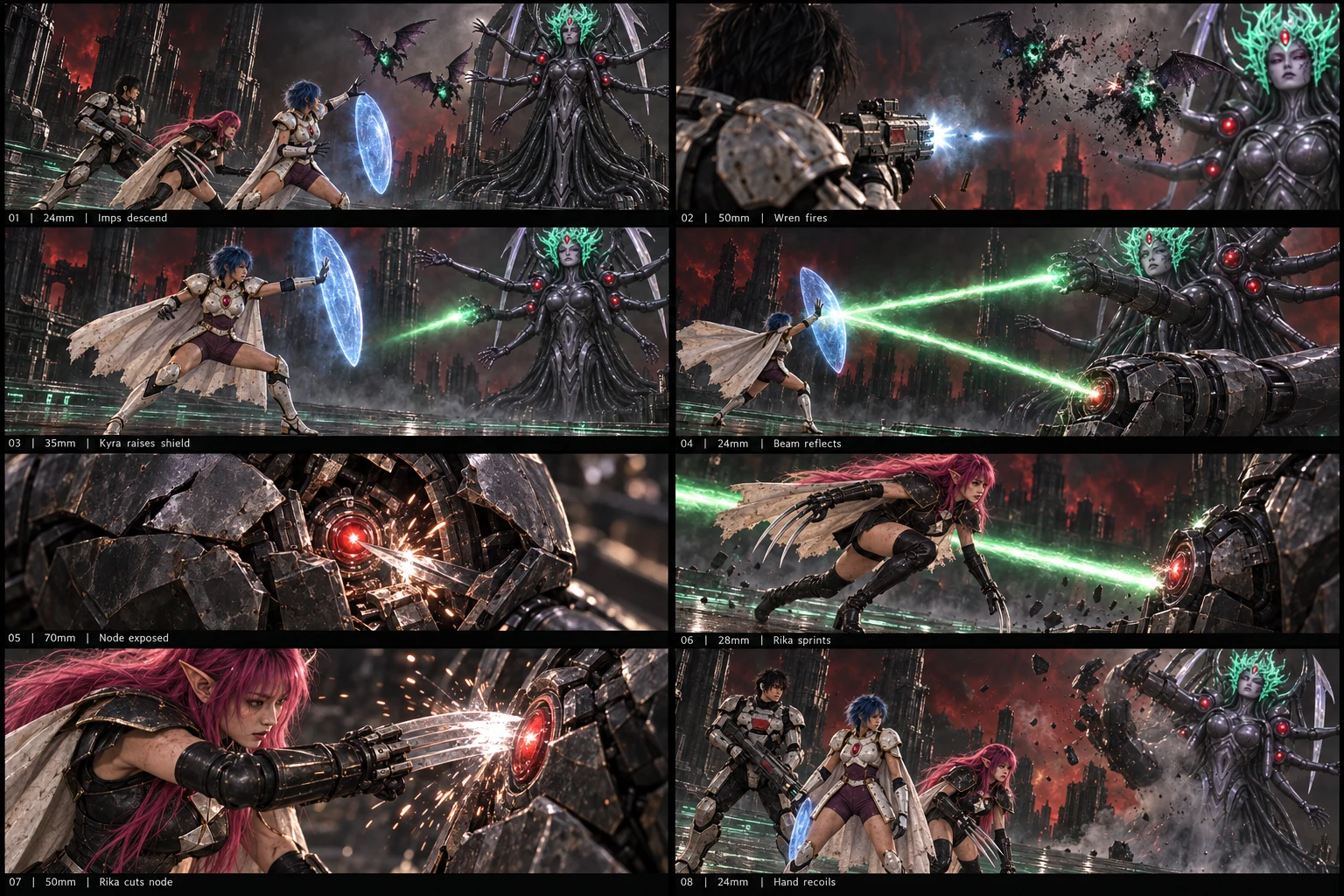
Wan 3 · 720p · 18.5 seconds · silent
Watch for: the chain from interception to reflected beam to counterattack. The take reinterprets some arm angles and creature scale; a storyboard guides the result without guaranteeing every pose.
Read the actual generation prompt ↗The prompt became a tiny scene specification.
The useful prompts described who was present, where they stood, what moved, what made contact and how the scene ended. Camera language helped organize that information: wide views for geography, closer views for acting, inserts for the important physical detail.
Here is a shortened teaching version of the pattern. The links above contain the longer production prompts, including instructions that the model did not always follow.
SCENE: What changes emotionally or physically?
CAST: Who is here, and which reference defines each person?
STAGING: Where do they stand, look and move?
SHOTS: Establish → prepare → act → react → end.
CONTINUITY: Keep identity, props and screen direction stable.
OUTPUT: Duration, resolution, audio choice and ending state.
For physical action, the order matters. Establish the target. Show preparation. Make contact. Show the response. “Epic battle” leaves the model to invent all four, often at the same time.
Suno made the song. CapCut made the final edit.
I developed the song around a duet with alternating voices and a repeatable chorus. The emotional language needed to work even for someone who had never played the game: love, loss, memory and a reason to keep going. Suno Basic was the music tool I used for this project.
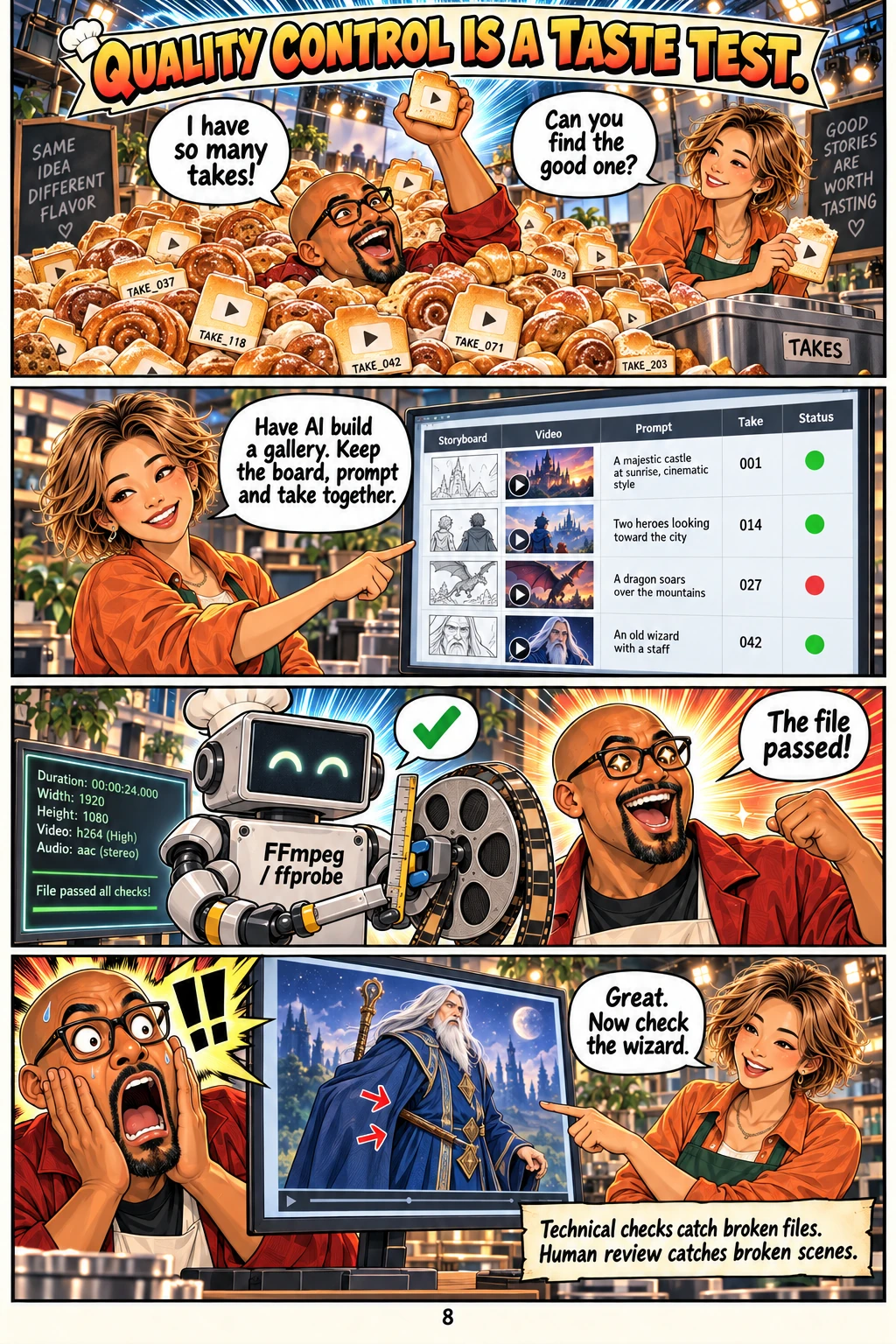
The video generations supplied candidate footage. Before final assembly, the local scripts used FFmpeg to remove unwanted storyboard openings and generated audio, while ffprobe checked dimensions, duration, frame rate and the presence of audio streams. Originals stayed intact beside clearly labeled editing copies.
I used CapCut for the final timeline edit and export. That is where the footage and song became one piece: deciding which moments to keep, how long they should last and where a change of image served the music. The original planning brief targeted three minutes; the published video runs 4:50. The plan was a starting point, and the final edit became its own artifact.
This is also why I kept quiet material in the library. A character reacting, a hand on a shoulder or a paper star can give a musical phrase somewhere to land. Constant spectacle makes every moment compete for the same attention.
What broke was part of the lesson.
The board sometimes became the opening shot. Wan retained or animated the reference grid despite instructions to cut away immediately. I checked those openings and made shorter, silent editing copies at the original speed.
Consistency was a continuing job. Hands, props, costume details, ship geometry and weapons could drift. More adjectives were rarely as useful as a corrected reference, a simpler action or a better selection of footage.
Provider behavior differed from the plan. The project recorded prompt truncation at 5,000 characters in the Replicate Wan wrapper. Later requests were shortened. Other experimental batches failed or hit insufficient credits. Keeping requests and receipts made those outcomes visible instead of silently counting them as completed scenes.
A decoded file is only one kind of success. Technical checks caught broken media. Visual review addressed whether a gesture or scene made sense. Those checks helped me select footage; they did not prove every frame was flawless.
Steal these lessons learned.
- Skills pay the bills. Reusable agent instructions helped organize production. Practicing direction, staging and editing helped me judge what came back.
- Have AI organize its own chaos. Ask it to build a gallery that keeps the board, prompt, take and review together. Sometimes the breakthrough is finding the correct file.
- Test one difficult scene before a batch. Try an intimate gesture and a clear action beat. Check identity, movement and the opening before scaling up.
- Use the API and the browser where each fits. APIs make repeatable submissions easier to record. Browser assistance helps operate tools you already use. Keep track of which service spends which credits.
- Keep your taste in the loop. The assistant can produce options and infrastructure. You still decide what the audience should feel, what is wrong and what earns a place in the edit.
For a first attempt, make one scene, one short song section and one finished cut. Choose something you care about enough to revise. The small version teaches you where the workflow breaks before the large version becomes expensive.
And check that the wizard’s staff is in his hand, not through his chest.
Production notes & references
This write-up combines my confirmed tool list with the project’s direction files, character guide, Wan submission scripts, saved prompts, review notes and editing metadata. The three embedded takes come from the twenty-scene “The lives we fight for” batch; each had a native 20-second render. Their displayed durations reflect the removed opening.
The archive also includes separate Seedance/Higgsfield experiments and unsuccessful batches. Those are development history; they are not presented as extra subscriptions required for the core workflow or as proof that every generated take appears in the final cut.
Finished video · Wan API reference · Flow reference-input guide · Suno plan details